How to invite a friend
One link, one copy, one message. Whoever opens it signs in and is walked through building their own family tree — about thirty seconds of your time.
You send one link
The same link works for everyone and never expires, so you can send it to one cousin or to a whole family group. There is nothing to mint, approve or revoke.
They get their own tree
They do not get access to your tree, and you do not get access to theirs. If you want to show someone your tree, that is Sharing, not Invite.
Copy the invite link
Click Invite on your dashboard
Sign in and stay on My Family Trees — your dashboard. Invite sits in the top row of buttons, just before New Tree.
Every account has it. It is not a Simple/Advanced setting and not an administrator tool, so if you can see your dashboard you can invite someone.
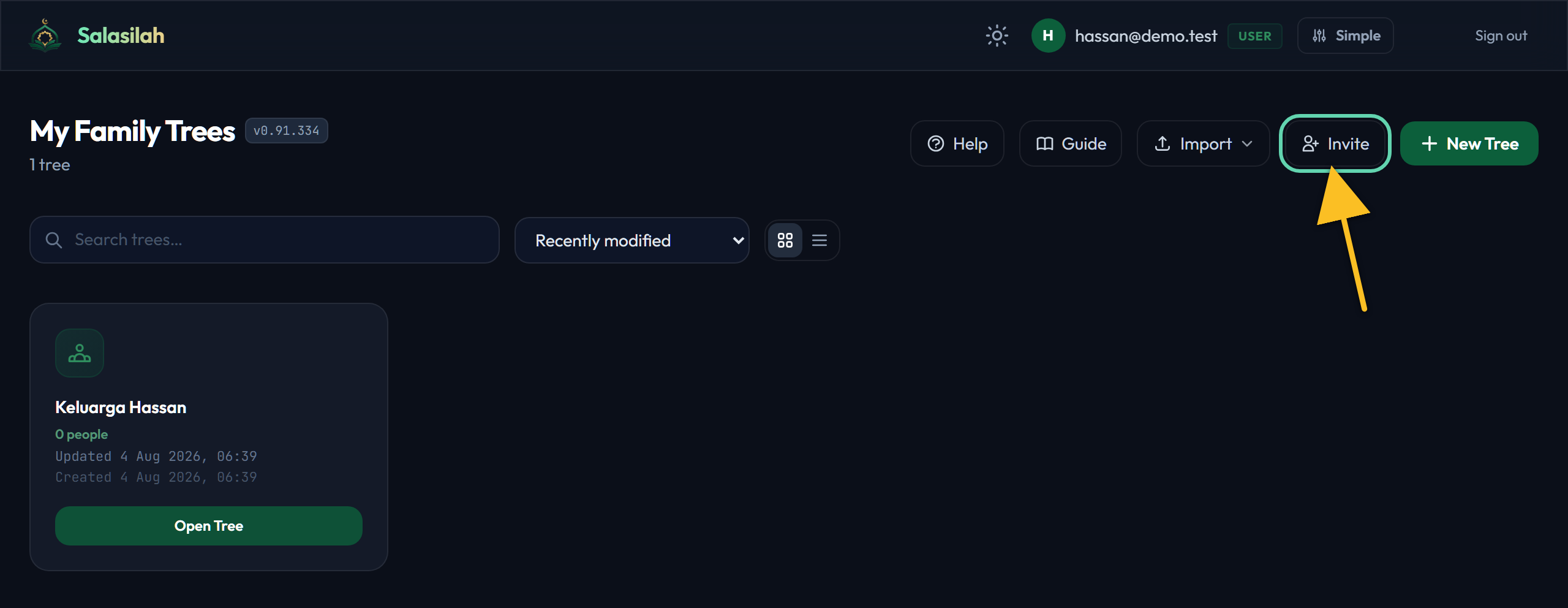
This is the link
A small window opens showing one address: salasilah.ilpam.my/invite. That is the whole invitation. There is no code to generate, nothing expires, and you do not need a different link for each person.
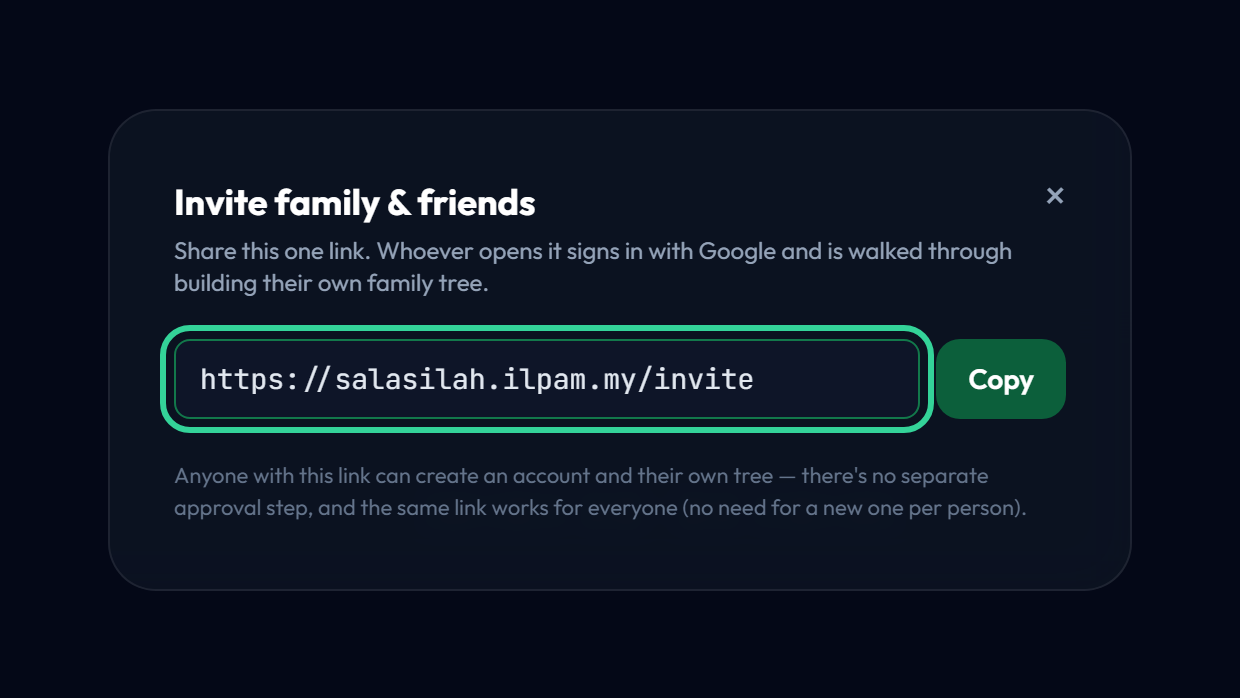
Click Copy
Copy puts the link on your clipboard and briefly says Copied!. The address is also pre-selected, so Ctrl+C works just as well if your browser blocks the button.
Close the window with the × or by clicking outside it. Nothing was created or sent — you have simply copied an address.
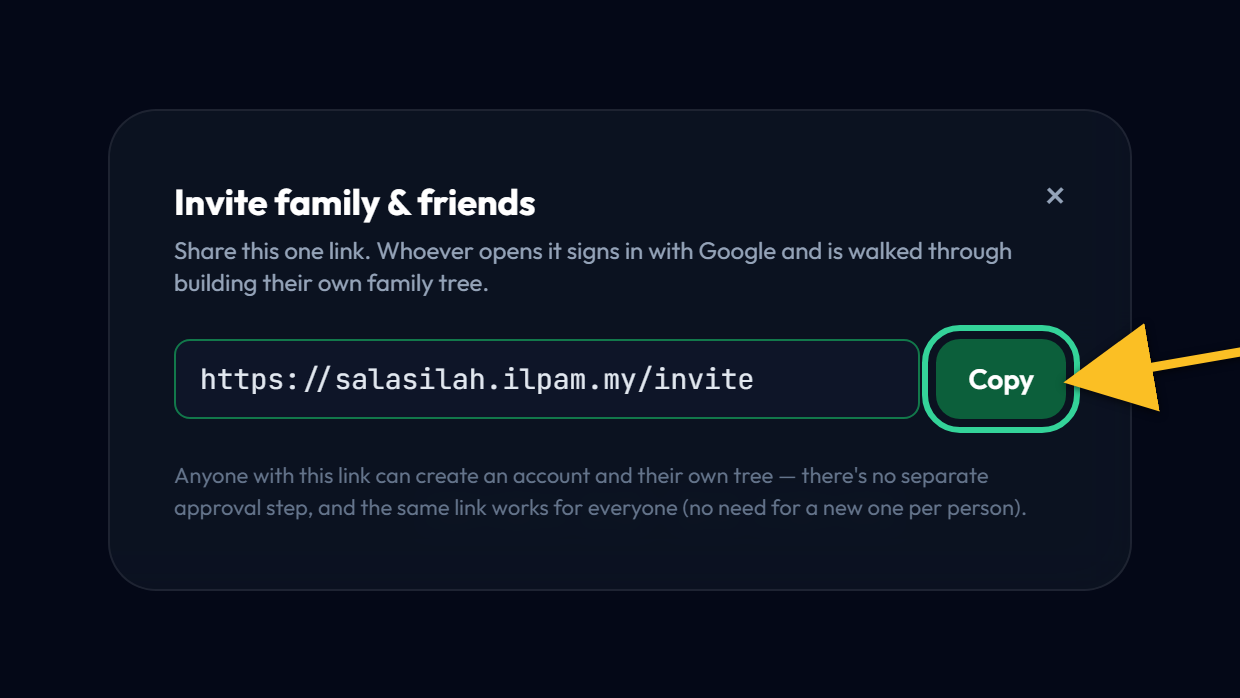
Send it, and what happens next
Paste it into a message
WhatsApp, email, a family group — anywhere you can paste text. A line of context helps more than the link alone:
“I've been putting our family tree together on Salasilah. Open salasilah.ilpam.my/invite and it will walk you through starting your own — takes about two minutes.”
What your friend sees
They tick the Terms & Privacy box, sign in with Google, and answer five short questions — themselves, a tree name, their father, mother and spouse. Then their tree is drawn for them. They can skip any of the last three.
Afterwards: nothing is connected
Their tree is entirely their own. You will not see it on your dashboard, they will not see yours, and neither of you is notified when the other makes a change.
If what you actually wanted was to show them your tree, or to have them help fill it in, those are different features:
- Sharing — send a read-only view of your tree, or part of it.
- Collaboration — hand a relative one branch to fill in, then merge their work back.