Collaborating by file
Hand a relative a file, let them build in it, take it back, and merge what they did into your tree. No link, no access to your tree, nothing shared until you say so.
Your tree is never touched
You export a copy, and later you decide, person by person, what comes back in. Nothing is written to your tree until you approve it — and a snapshot is taken so you can undo it.
They work in their own tree
The file they import becomes a tree of their own, in their own account. They can take as long as they like, and they never see anything you did not send.
Which way to collaborate
A file, or a shared link
Both routes end the same way — you merge their work into your tree, person by person, and your tree is untouched until you approve. They differ only in how the work gets to them and back.
- By file (this guide) — you export a JSON file and send it however you like. They need a Salasilah account of their own, but no access to your tree. Good for someone who wants to take their time, or when you would rather not hand out a link at all.
- By shared link — you send a link, they get a working copy tied to your tree, and you watch their progress from your dashboard. Fewer steps and nothing to email around: see Collaboration step-by-step.
Send them a starting point
Frame the part you want them to build
Open your tree and set the screen to the branch they know about — their side of the family, a few generations. The export takes what is on screen, so framing it first is how you decide what they get.
There is no harm in sending the whole tree, but a smaller file is easier for them to work in and easier for you to review when it comes back.
Export it as JSON
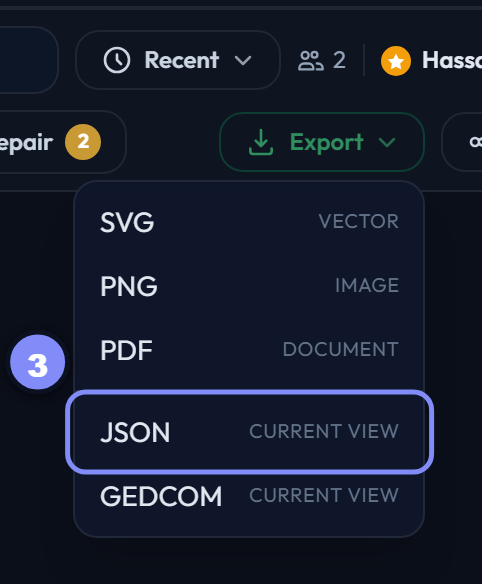
Export in the toolbar, then JSON (current view). SVG, PNG and PDF are pictures — only JSON can be imported back into Salasilah and merged.
Leave the encryption on
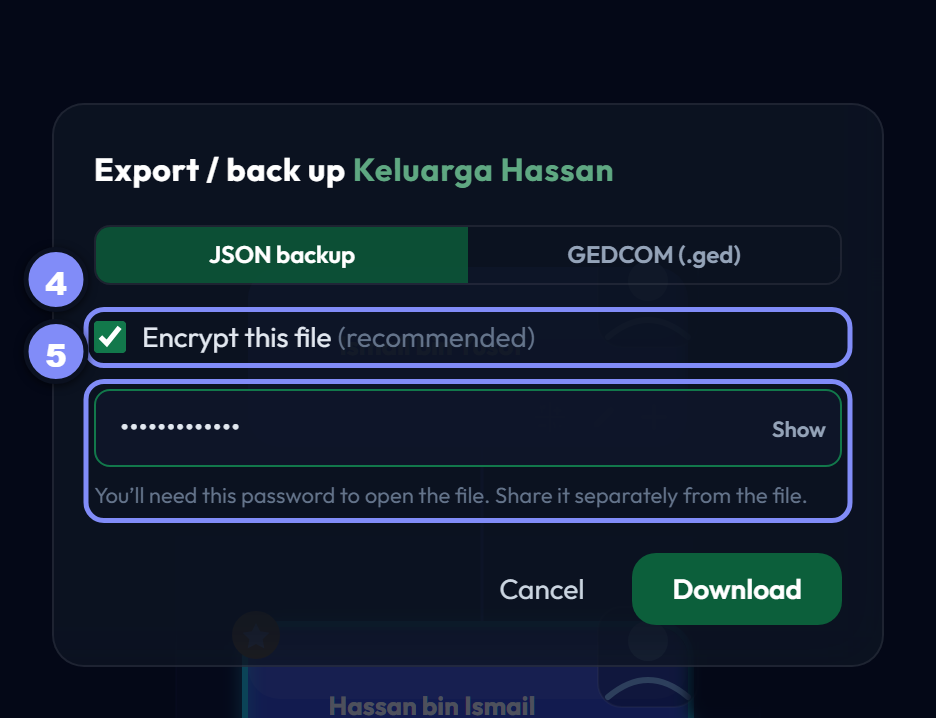
The file is about to leave Salasilah and travel through email or WhatsApp, and it contains living people’s details in full. Encrypt this file is ticked by default; leave it that way and choose a password.
Untick it and you get plain, readable JSON — fine if the file never leaves your own machine, careless if it is about to be sent to someone.
Send the file and the password separately
Press Download, then send them the file — and send the password another way. A password in the same message as the file protects nobody.
They build it
They import the fileRelative
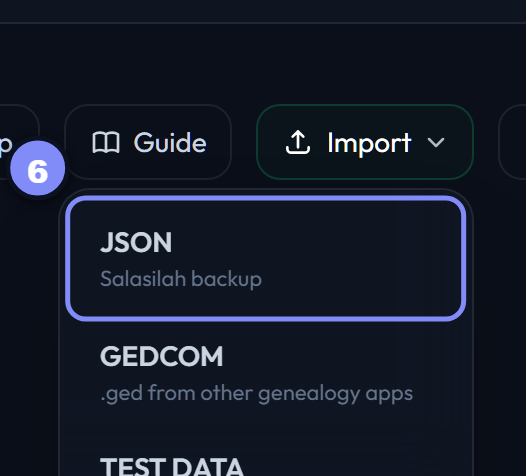
On their dashboard: Import → JSON, then pick the file you sent. They need a Salasilah account, which is free — if they do not have one, send them an invite first.
They enter the passwordRelative
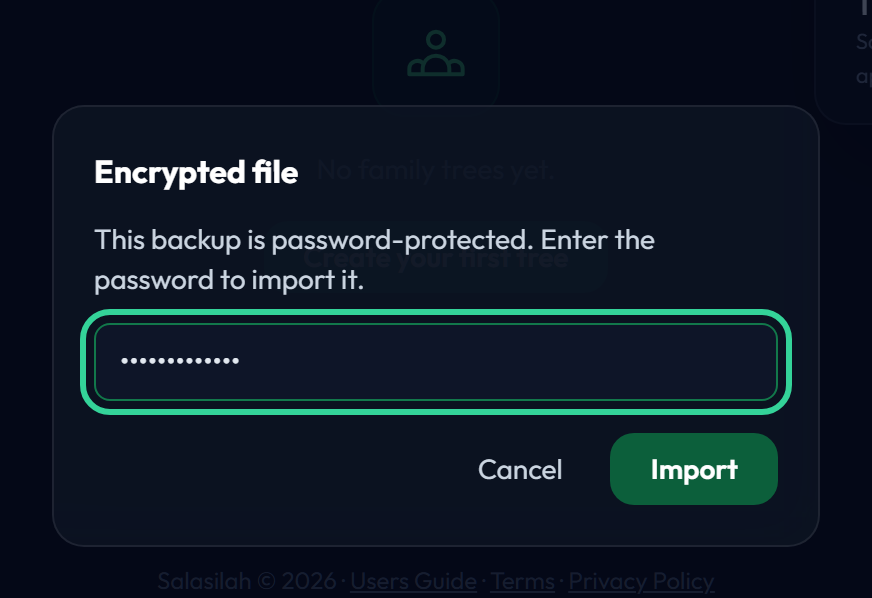
Because the file is encrypted, Salasilah asks for the password before it will open it. A wrong one is refused and can be retried — nothing is imported until it is right.
If you sent a plain file instead, this step simply does not appear.
It becomes their own tree, and they fill it inRelative
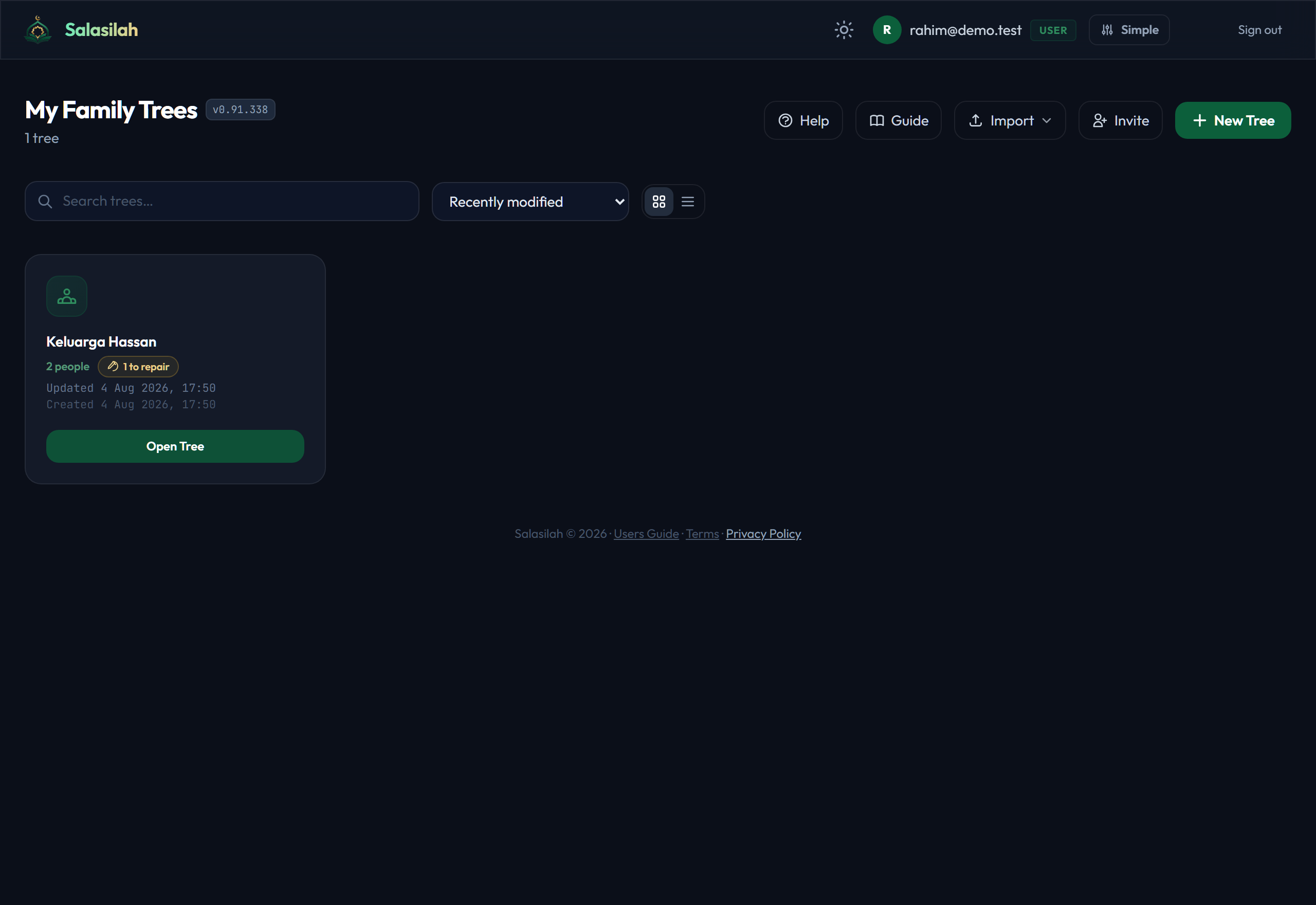
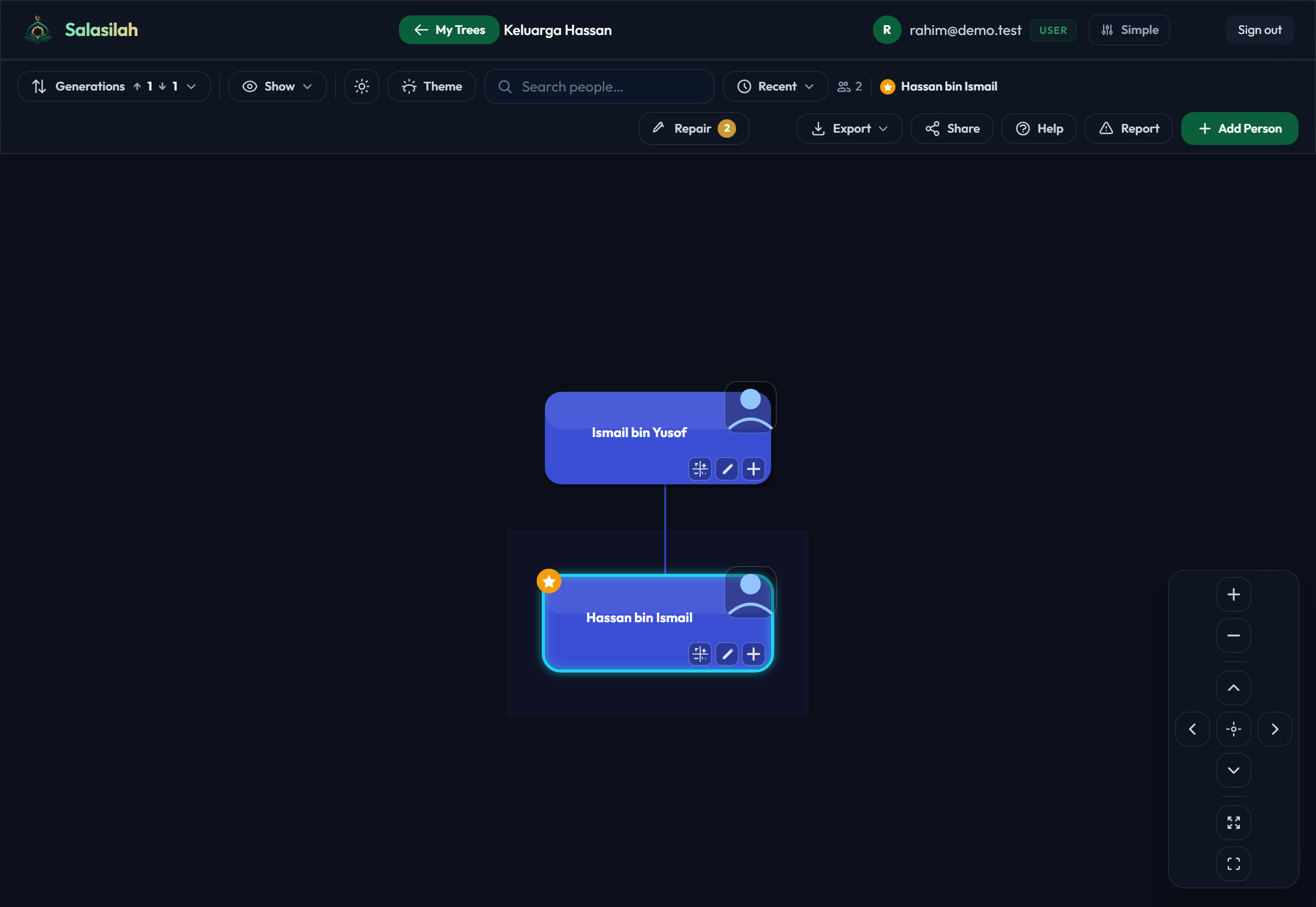
The import lands as a normal tree on their dashboard. It is theirs: they open it, add people, correct dates, add photos, and none of it touches yours. There is no deadline and nothing is shared back automatically.
When they are done they export it the same way you did — Export → JSON, encrypted, password sent separately — and send it back.
Take it back and merge
Import their file — now you have two trees
Import the file they send back exactly as they imported yours: Import → JSON, password, done. It arrives as a separate tree on your dashboard, sitting alongside the original. Your tree has not changed.
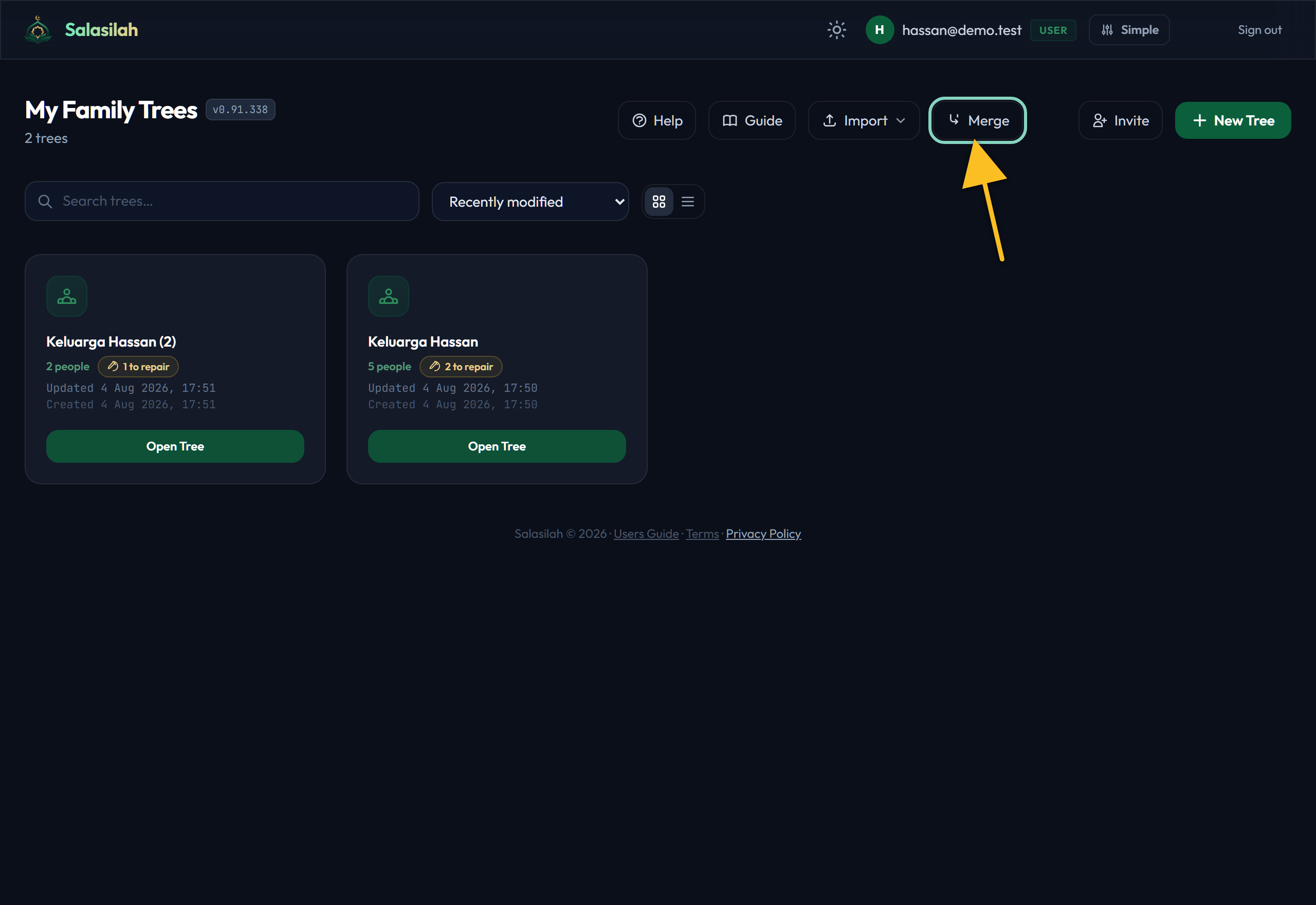
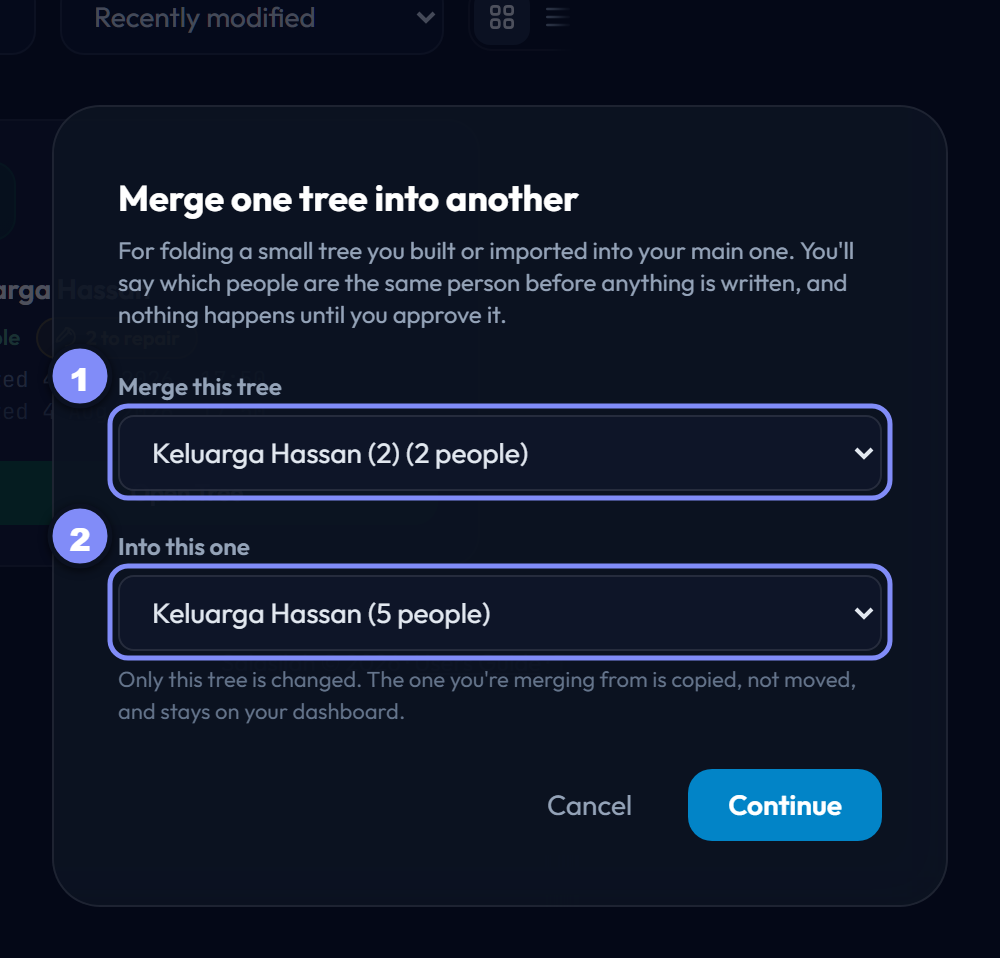
Merge: which tree goes into which
- Source — the tree the work is coming from: the one you just imported.
- Target — the tree it is going into: your original.
Get these the right way round. The source is left exactly as it is either way, but merging your big tree into their small one is not what you meant.
Say who is who, then review
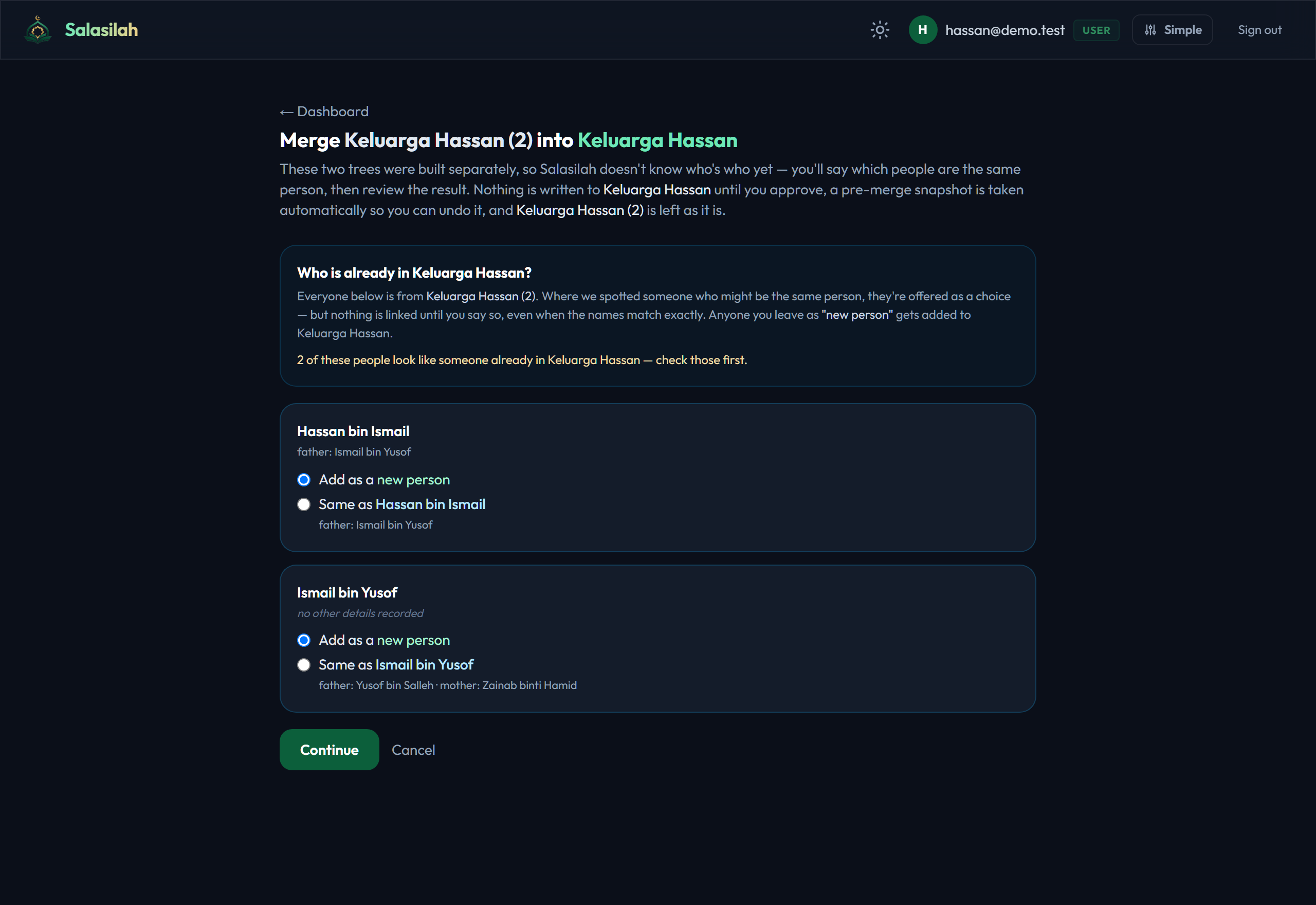
The two trees were built separately, so Salasilah does not assume anyone is the same person — not even when the names match exactly. For each person it offers a likely match, and you choose: the same as someone you already have, or a new person.
Anyone you leave as “new person” is added. Anyone you mark as the same is merged into the person already in your tree, filling in blanks rather than overwriting what you wrote.