Adding people
Getting relatives into the tree, and linked to the right person as you go. Third of six guides to the tree workspace.
Three ways in
People get into a tree three ways, and which you use decides how much linking you do afterwards:
- The empty-tree card — only on a brand-new tree, for the very first person.
- Add Person in the toolbar — anyone, any time. You can attach parents and a spouse while you're there.
- The + on a card — the quickest for a relative of that person. It knows who you're adding them to, so the link is made for you.
The first person
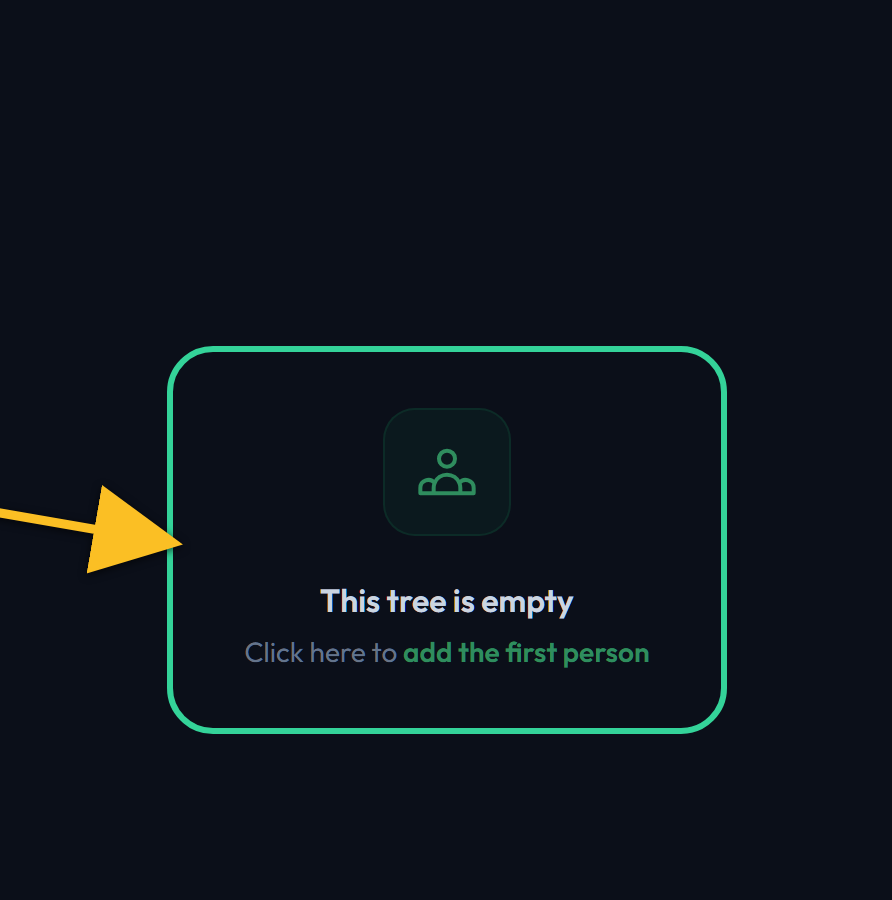
Start an empty tree
A new tree shows a single placeholder card. Click it and the person form opens — the same form as everywhere else.
Most people start with themselves, then work outwards. It doesn't matter: the tree can be re-centred on anyone later.
Adding anyone
Add Person
The green button at the right of the toolbar. It opens the person form empty, with no relative assumed — so this is the route when the new person isn't obviously attached to whoever is on screen.

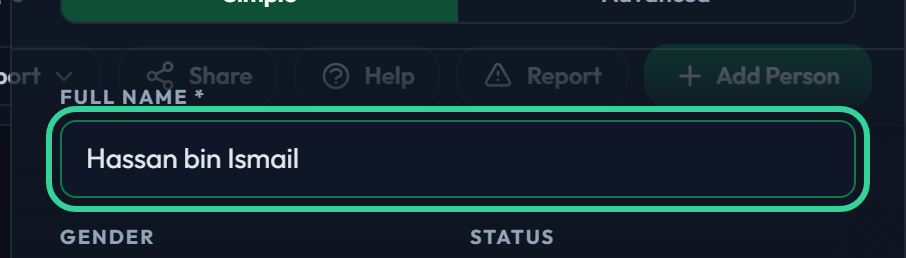
Only the name is required
Type a full name and you can save. Gender, dates, photo and everything else are optional and can be filled in whenever you learn them.
Link family while you add
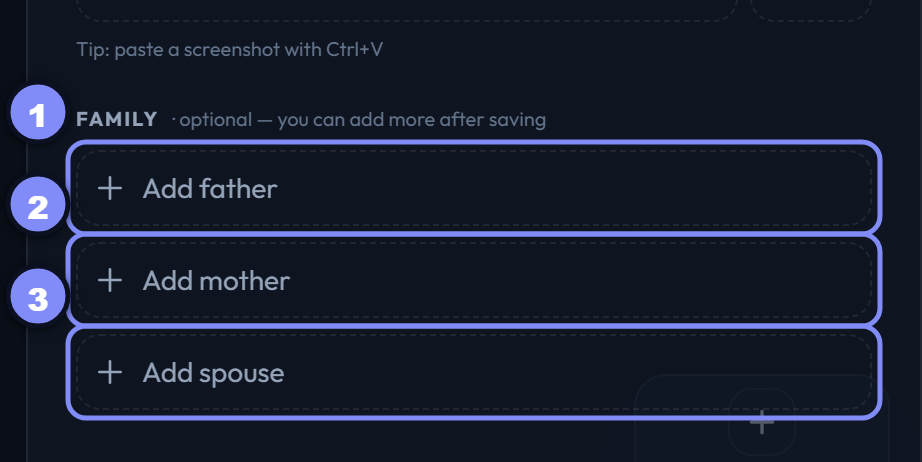
While adding — and only while adding — the form offers Father, Mother and Spouse pickers. Choose people already in the tree and the links are made the moment you save.
This section is not there when you re-open an existing person; relationships are handled by the Family section instead. That's the next guide.
Save the new person
Save creates the person and applies any family you picked. The tree redraws with them in place.
Nothing is written until you press Save — closing the panel with unsaved changes asks first.

Growing from a card
The three buttons on a card
Every card carries three small buttons along its bottom edge.
- Faraid — opens the inheritance calculator for that person.
- Edit (pencil) — opens their details.
- Add (+) — the Add family launcher.

The faraid button
Opens the Faraid calculator with that person as the deceased. Nothing is changed — it's a calculation, not an edit. K does the same for the focused card.
The edit button
Opens that person's details for editing — the same panel as the add form, but with the Family section instead of the add-time pickers. Clicking the card itself re-centres the tree; the pencil is what opens the details.
The add-family button
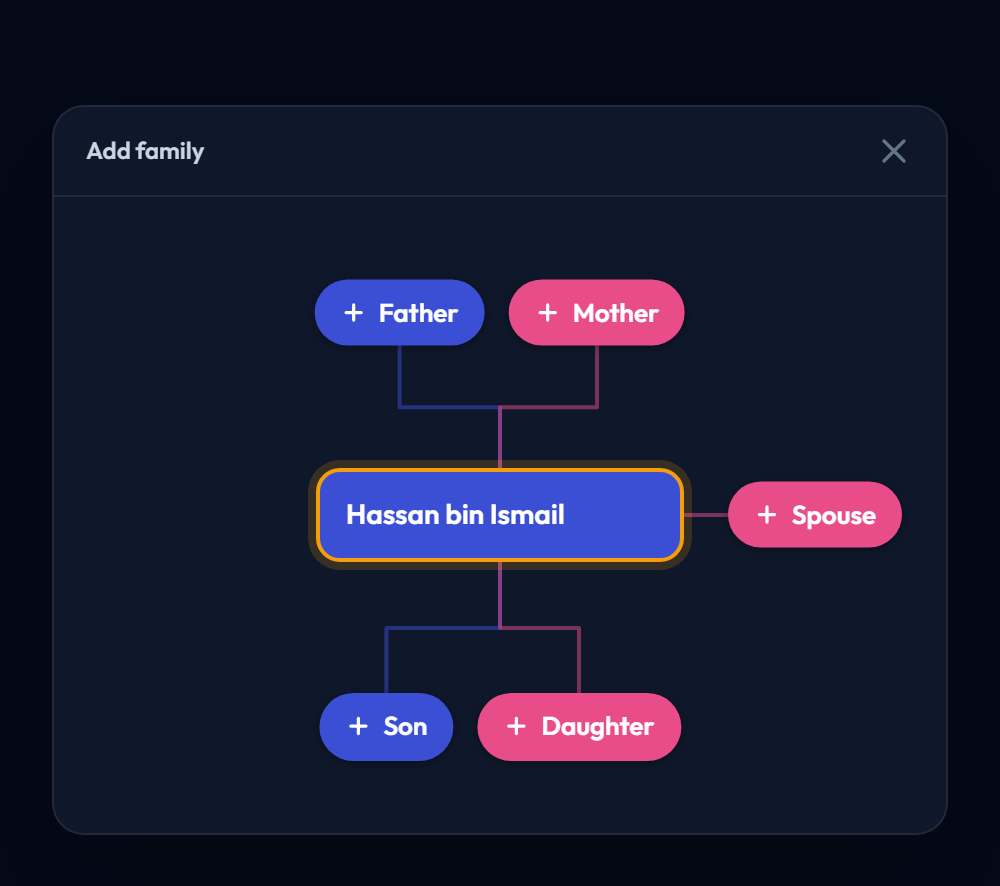
The + opens the Add family launcher for that person. This is the button to reach for most of the time: it already knows who the new relative belongs to.
The launcher is a small map of the person, with a slot for each relative you could add: Father and Mother above, Spouse beside, Son and Daughter below. Pick a slot, give a name, and the person is created and linked in one step.
Slots that are already filled show the relative instead, so you can see at a glance what's missing.